Belltower Digital

Websites for local government

Your website is the town bell now.

It is where residents find the council agenda, pay the water bill and learn which road is closed. Belltower Digital builds websites that every resident can use, including the more than one in four U.S. adults who have a disability. We work with cities, towns, counties and townships, and with special districts, libraries, schools and public authorities.

Notice

ADA Title II · Web content and mobile apps

The accessibility rule has a date for you.

The U.S. Department of Justice requires state and local governments to make their websites and mobile apps meet the Web Content Accessibility Guidelines (WCAG) 2.1 at Level AA. Your date depends on the population you serve.

Governments serving 50,000 people or more
Governments serving fewer than 50,000 people, and all special districts

What it covers. Your web pages, online forms, posted documents and videos, and mobile apps, including content a vendor provides for you. A few exceptions apply, such as some archived content and some older documents, each with conditions.

What changed. The rule was adopted in April 2024. On April 20, 2026, the Department moved both compliance dates back by one year. The technical standard did not change.

Funded by HHS? Many health departments and hospitals receive funding from the U.S. Department of Health and Human Services. Those that do also fall under a matching Section 504 rule. Its dates are May 11, 2027 for organizations with 15 or more employees, and May 10, 2028 for those with fewer. Read the HHS extension.

Last checked . The dates could change again: the Justice Department says it plans more rulemaking on the rule’s requirements, and the National Federation of the Blind has sued to undo the extensions. This is a summary, not legal advice. Read the Justice Department’s fact sheet on the rule and the April 2026 extension in the Federal Register (91 FR 20902).

Services

One studio for the whole job.

From the first audit to the morning a storm knocks out power and the alert has to go up.

  • New websites

    A site organized around what residents come to do: pay a bill, find a meeting, report a pothole, read a public notice. We write it in plain language, move your existing pages and documents across, and make it accessible from the first page.

  • Accessibility audits and repairs

    We test your current site, whoever built it, with a keyboard, a screen reader and automated tools. Then we fix the code itself, or give your vendor a clear list in priority order. An overlay widget can’t make a site conform; fixing the code does.

  • Agendas, minutes and PDFs

    Posted documents are often the hardest part to get right. We turn agendas, minutes and notices into accessible web pages, and tag the PDFs you need to keep.

  • Editing your staff can do

    Your staff update the site themselves, without code, with permissions set by department and a review step before anything is published.

  • Hosting and care

    Secure hosting, updates, backups, and security and accessibility monitoring, for a site we built or one you already have. We can also help you apply for a .gov address, which the federal registry provides to governments free of charge.

  • Staff training

    Short, practical sessions so the people who post agendas and news keep the site accessible long after launch.

What your site can include

The pieces residents look for.

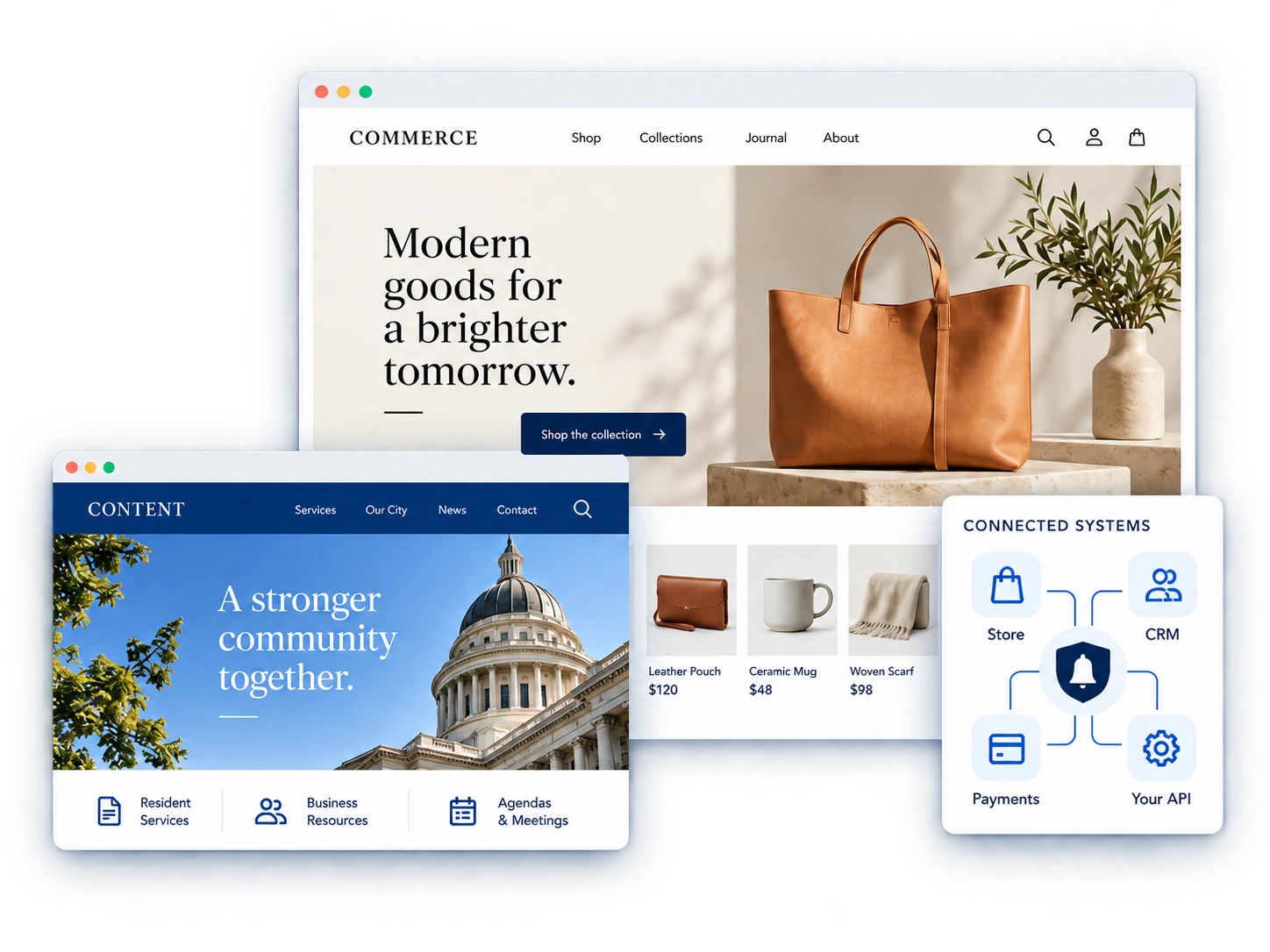
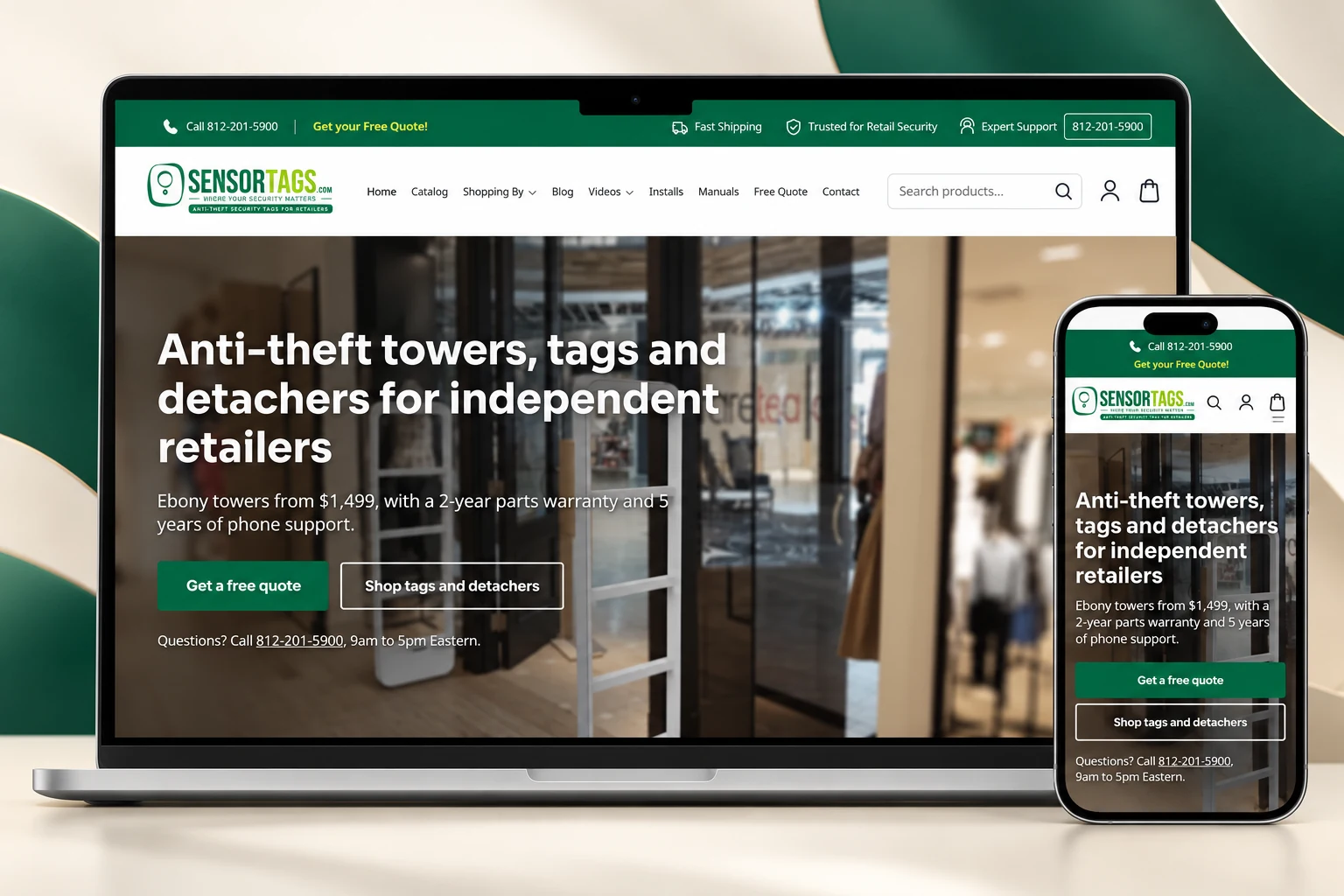
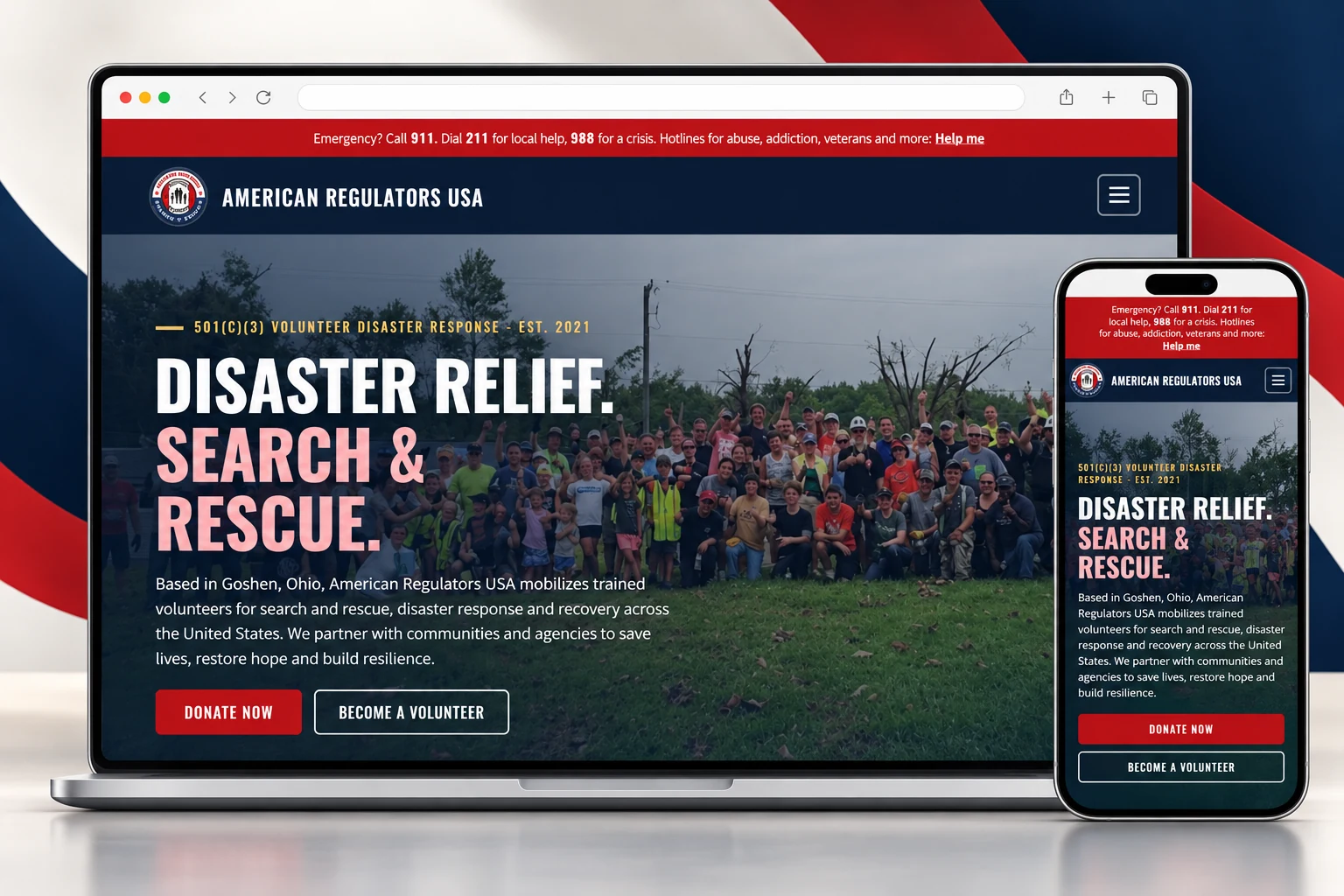
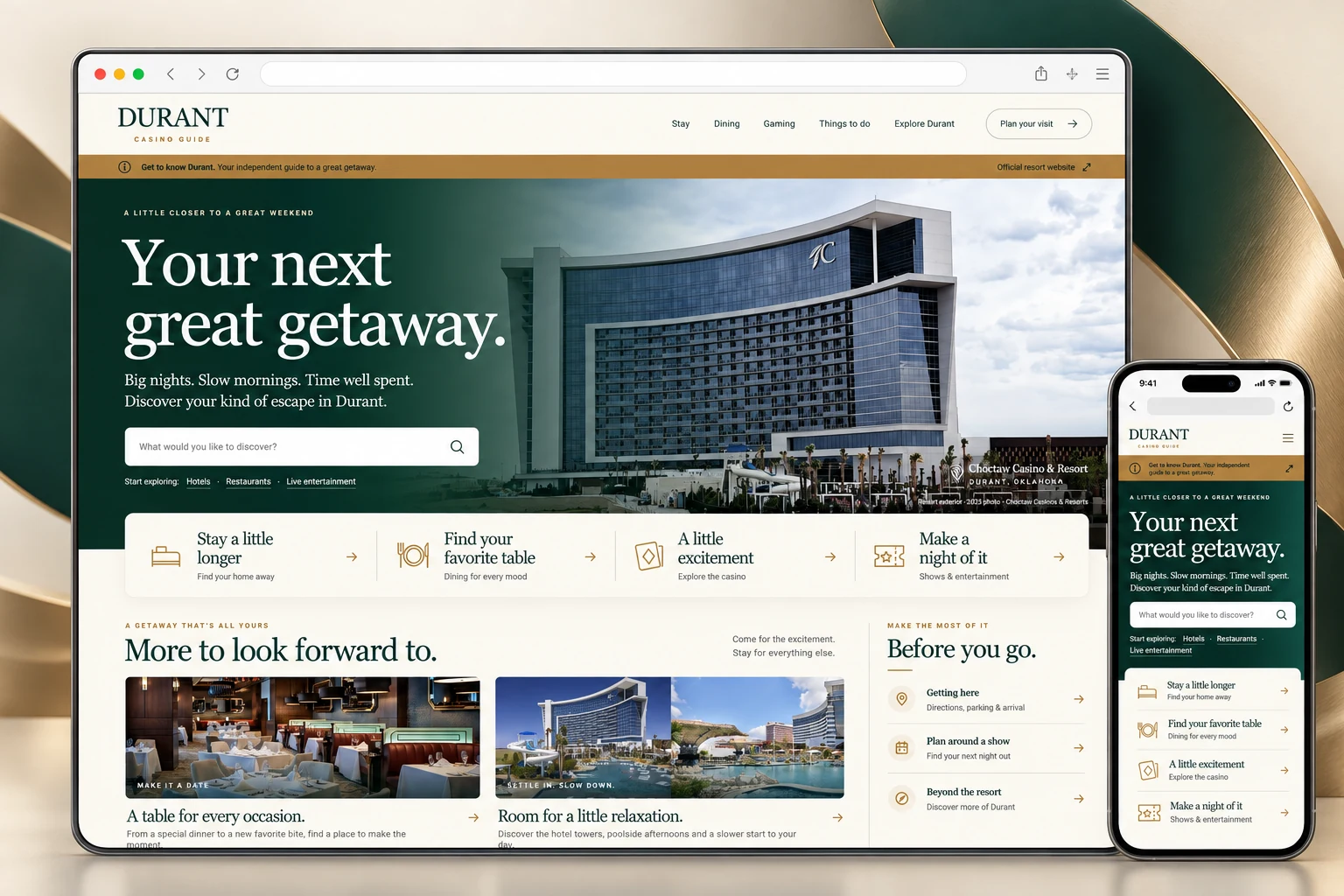
Every site is built from the parts your community needs. Several of them are working now in three example sites for made-up places: a town in the middle of a boil water advisory, a county with a rezoning hearing coming up, and a water district with its rates and test results.

Browse the example sites
  • Agendas and minutes as searchable web pages
  • An emergency alert banner on every page
  • Email and text alert sign-up
  • Events calendar and news
  • Online forms and public records requests
  • Staff and department directory
  • “How do I…” pages for common tasks
  • Maps, with the same information in words
  • Online payments through the provider you already use
  • Pages in more than one language
  • Bids, jobs and public notices
  • Search-friendly pages and visitor analytics

The standard

What we check on every page.

We build to WCAG 2.1 Level AA, the standard the ADA rule requires, which means meeting 50 success criteria. We check the criteria added in WCAG 2.2 as well. In WebAIM’s 2026 scan of the web’s top million home pages, six kinds of error made up 96% of everything its tests detected. We start with those six, then check the rest.

  • 1.4.3

    Contrast (Minimum) Level AA

    Body text needs a contrast ratio of at least 4.5:1 against its background.

    Low-contrast text: 83.9% of home pages

  • 1.1.1

    Non-text Content Level A

    Every meaningful image, map and chart has a text alternative.

    Missing image descriptions: 53.1% of home pages

  • 3.3.2

    Labels or Instructions Level A

    Every form field has a label, connected in the code, that says what to enter.

    Missing form labels: 51% of home pages

  • 2.4.4

    Link Purpose (In Context) Level A

    Every link tells you where it goes.

    Empty links: 46.3% of home pages

  • 4.1.2

    Name, Role, Value Level A

    Every button has a name that a screen reader can announce.

    Empty buttons: 30.6% of home pages

  • 3.1.1

    Language of Page Level A

    Each page declares its language, so screen readers pronounce it correctly.

    Missing page language: 13.5% of home pages

  • 2.1.1

    Keyboard Level A

    Everything on the page works without a mouse.

  • 2.4.7

    Focus Visible Level AA

    You can always see where you are as you tab through a page.

  • 1.2.2

    Captions (Prerecorded) Level A

    Recorded meetings and videos have accurate captions.

  • 1.4.10

    Reflow Level AA

    Pages still work at 400% zoom, without scrolling sideways.

Figures from The WebAIM Million, 2026 report.

How we work

How a project runs.

A typical site for a town, county or district takes about four to six months from the first meeting to launch. Most of that time goes into the content.

  1. Review

    We audit your current site, content and documents, and tell you in writing what fails, why it matters and what it would take to fix.

  2. Plan

    We talk with the staff who run the site, map out its pages, and send an itemized quote and timeline you can take to your board or council.

  3. Build

    We design the key pages, build the site and move your content across, testing for accessibility as we go rather than at the end.

  4. Launch

    We test every page again with a keyboard, a screen reader and automated tools, switch the site over and train your staff.

  5. Care

    We keep the site secure, current and accessible as your staff add to it.

Buying from us

  • We can quote under your own purchasing policy, or respond to your RFP or RFQ.
  • Every quote is itemized, with one-time costs and yearly costs shown separately.
  • A W-9 is available on request.
  • We’re a US-based studio in Terre Haute, Indiana.

About

Why a bell tower?

Before sirens and phones, many towns rang a bell to call people together: for a meeting, a fire, a celebration. Everyone within earshot heard the same news at the same time.

A government website does that job now, and it only works if it reaches everyone: residents who use screen readers, who can’t steady a mouse, who read English as a second language, or who are checking a boil-water notice on an old phone with one bar of signal.

Belltower Digital is a small, US-based studio in Terre Haute, Indiana. We build websites for local governments of every size, from towns and counties to special districts and libraries. When you call, you reach the people who build your site.

Send us your web address.

Tell us your government’s name, your current website and roughly how many people you serve. We will reply with the compliance date that applies to you and the first problems we would fix.

Email hello@belltowerdigital.com

Terre Haute, Indiana